Basic free charging setup
When dealing with new equipment, all you might want to do is set up the most basic configuration so that you can test out some of the main features.
This guide shows how to do that.
When familiarizing yourself with the Charge Controller, you may want to set it up to allow charging easily without authorization or billing.
This makes testing the basic charging flow straightforward.
This guide shows you how to set that up.
1 Requirements
Ensure that
- You follow the connecting a controller guide
- You follow the accessing the Config UI guide
- There is no EV connected to the Charging Station while changing the configuration
2 Enabling basic Free Charging
- Log in to the using the Operator
- In the , under AUTHORIZATION > Free Charging, set to
On(see more on free charging here) - Below the parameter , a new parameter appears. Select the
No OCPPoption (default) - At the bottom of the , click , then click to apply the changes
Some caveats
With this setup,
- The Charging Station will not be connected to a Backend
- EV Owners will not be able to check if the Charging Station is occupied
3 Observing the charging session
- Log in to the using the Operator
- Connect an EV to the Charging Station (charging should start automatically)
- In the , under DASHBOARD, you can observe the current charging info:
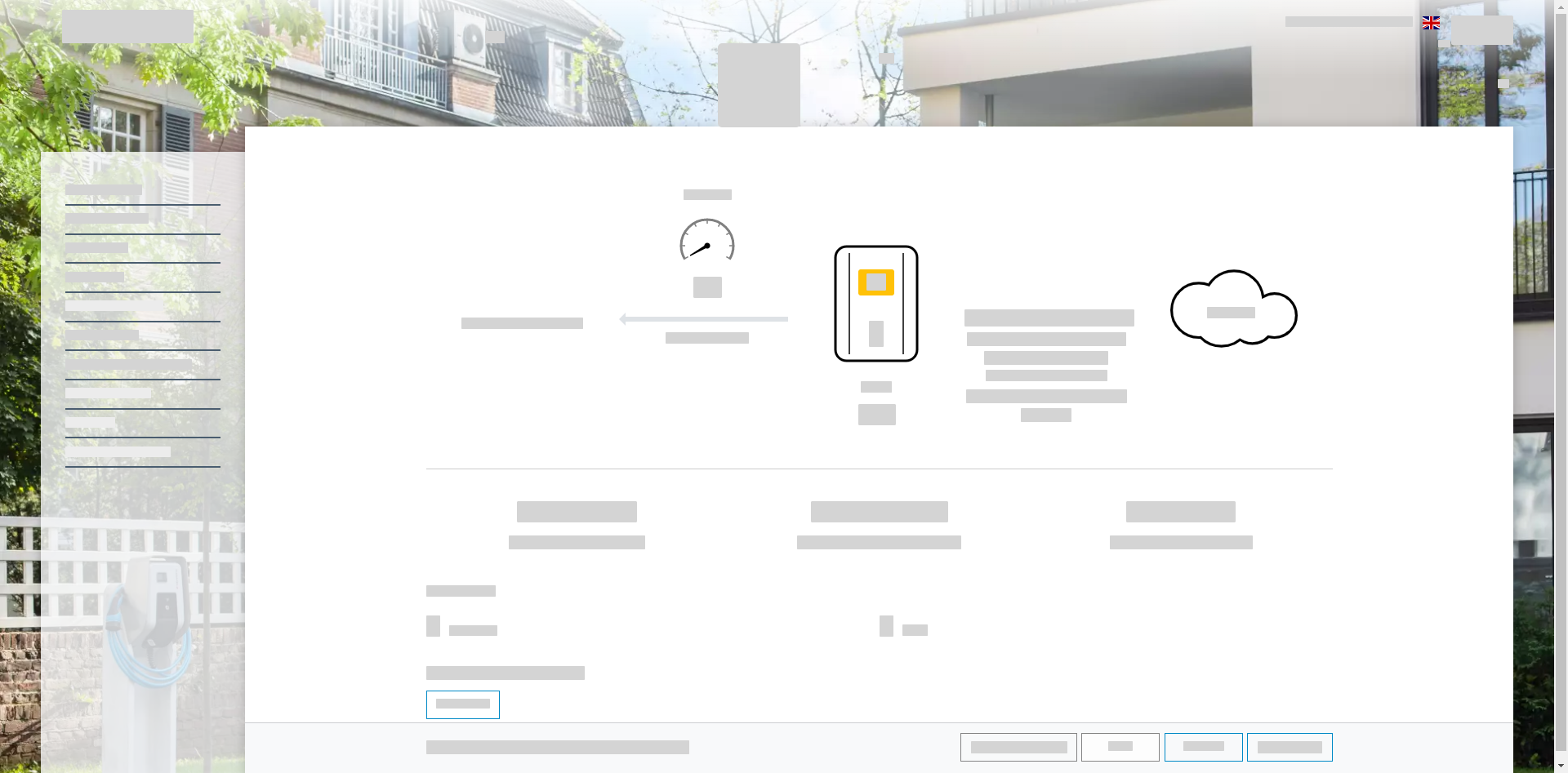
4 What's next?
See here on all possible charging modes and a more in-depth guide on Free Charging.